Documentation
On this page
Connect the app
You need the address of your repository and the file with your private key. If you have neither, start with Create a store.
Clone the store
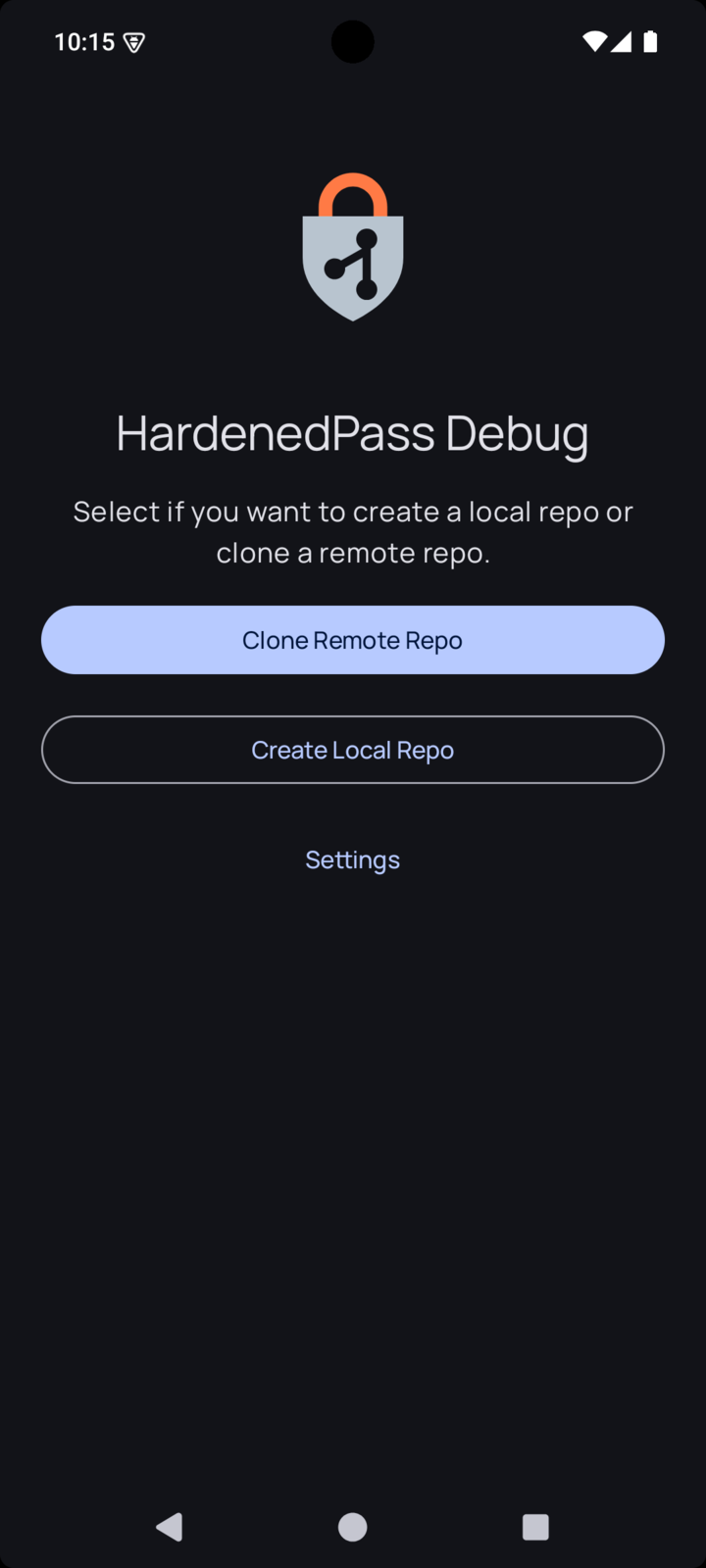
Open the app and tap Clone Remote Repo.
Type the address of your repository in Repository URL and choose how to log in under Authentication Mode.
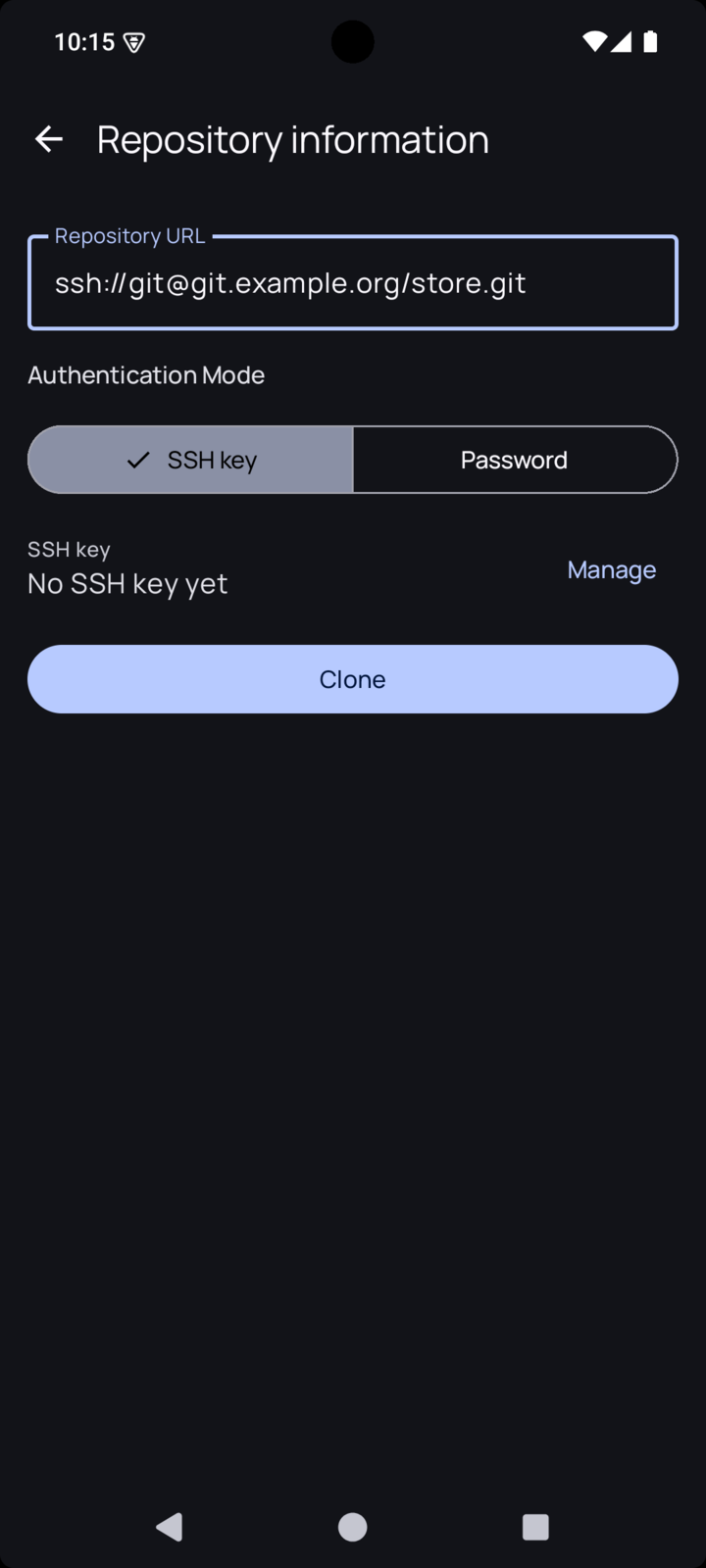
These address forms all work:
| Form | Example |
|---|---|
| SSH, short | git@git.example.org:store.git |
| SSH, with a port | ssh://git@git.example.org:2222/srv/git/store.git |
| HTTPS | https://git.example.org/you/store.git |
The app warns you about addresses that would not work well: a custom port without
ssh://, a port on an HTTPS address, which is not supported, and git://, which has
no encryption.
With an SSH key
Tap Manage next to the SSH key line.
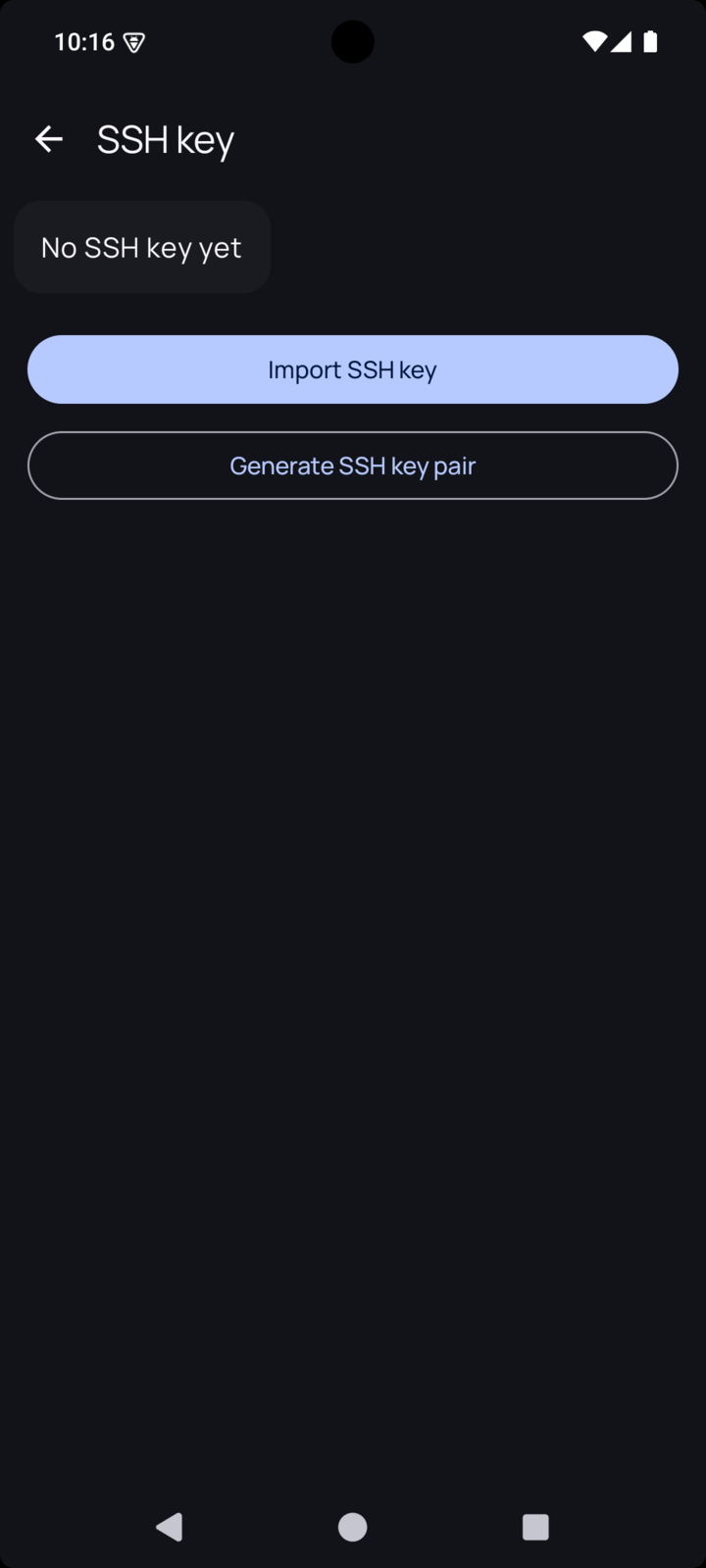
- Import SSH key reads a private key you already have, from a file.
- Generate SSH key pair makes a new key on the phone. Ed25519 is the best choice unless your server is old. Protect with screen lock credential makes the app ask for your screen lock each time it uses the key.
After generating, the app shows the public key. Add it to your git server, in the same place you would add a key for a computer. Then go back and tap Clone.
With a password
Choose Password and tap Clone. The app asks for the password when it connects, and Remember password stores it encrypted on the phone. Many hosting services want an access token here rather than your account password.
The server’s identity
On the first SSH connection the app saves the server’s host key without asking, and checks it on every connection after that. If the key changes, syncing stops with an error. If you know why it changed, tap Clear saved host key on the repository screen. If you do not, stop and find out first: someone could be impersonating your server.
Import your private key
Once the clone is done, the app shows which key the store is encrypted for, under Store recipients.
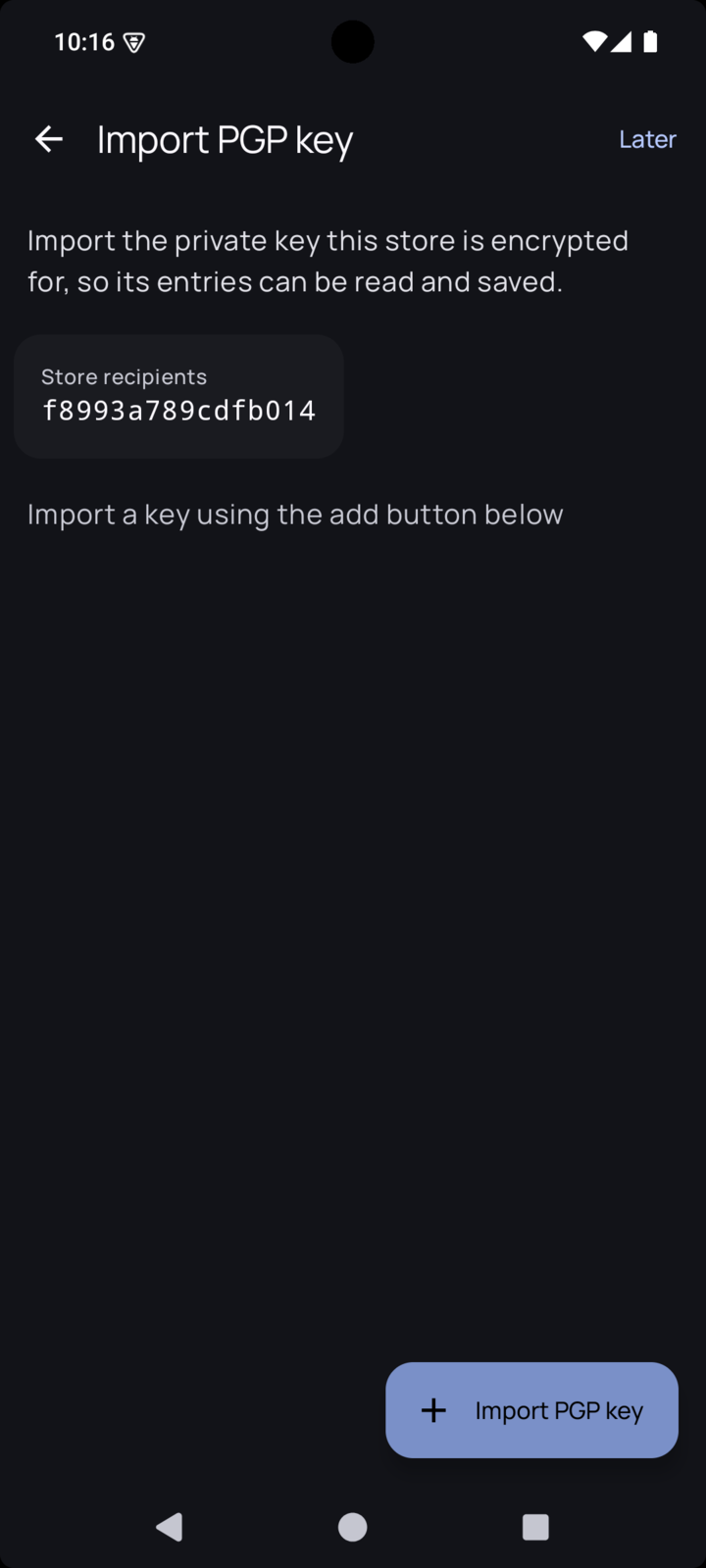
Tap Import PGP key and pick your key file. The app shows the ID of the imported key: check that it matches. You can tap Later to skip this, but no entry can be opened until a matching key is imported.
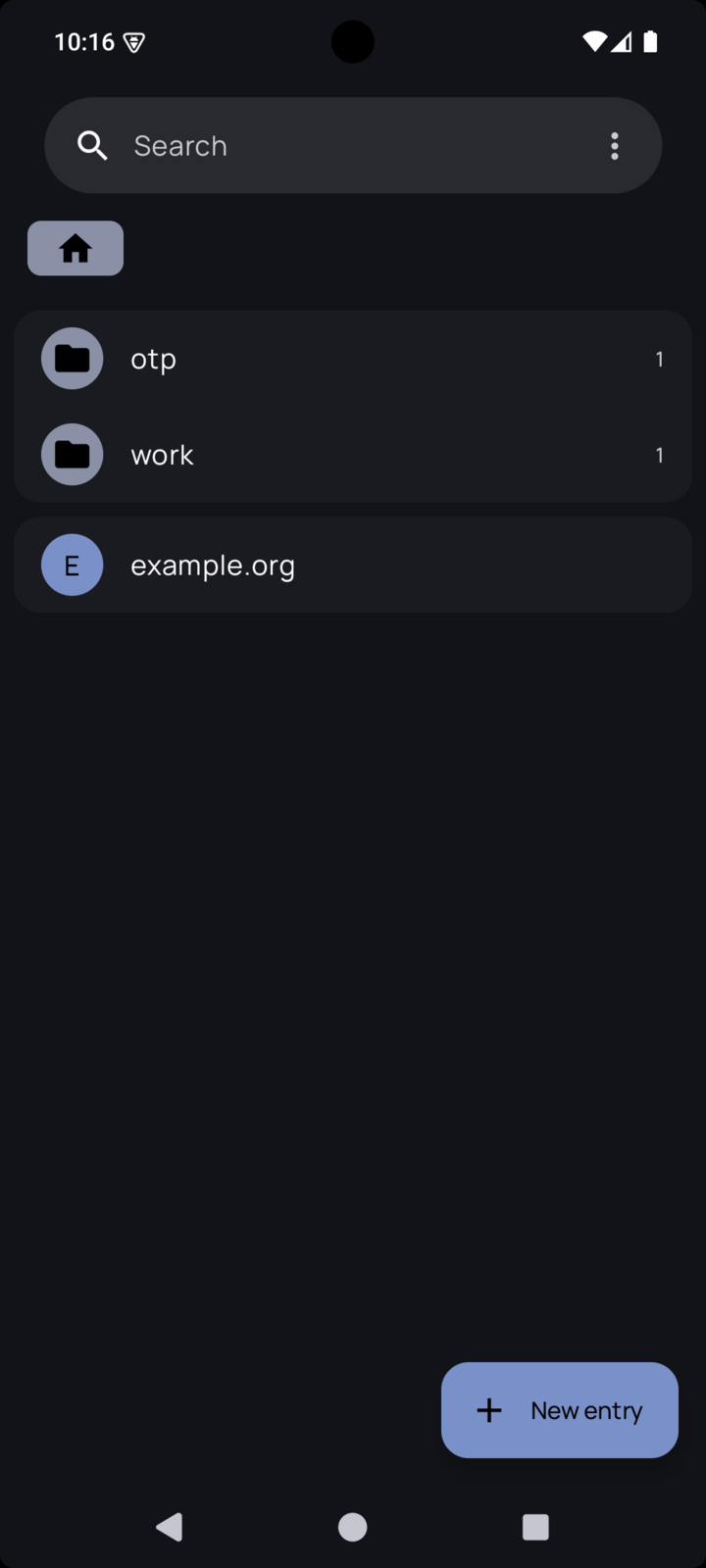
The list of entries opens, and you are done.
Delete the key file from the phone’s storage now, as Create a store explains. The first time you open an entry, the app asks for the key’s passphrase.
A store without a server
Create Local Repo makes a store that lives only on the phone. Import your private key, then tap it in the list to create the store for that key. You still need a key made on a computer, and without a remote nothing protects you if the phone is lost.