Menu
No articles found matching your search.
Language

Articles

  1. TECH

    Git Setup Your Own Server

    Hello everyone, I recently decided to move all my code under GIT, I’ve used it before and I’ve used also SVN, but I find GIT to be more straightforward in some aspects. In order to use git I needed a place online where to store my projects, and I thought that github could be a good place, but the fact that you have to pay to keep a project private just didn’t sound right in my opinion. Of course github is there to make money (specially now that M$ bought it), but I prefer to have a simpler setup and be able to do things my way as much as possible. So I started planning what I wanted my git server to have. Here’s a list: Security - I decided to make it work only under ssh, that way only someone who has the key can clone or access the repository. I also added an unprivileged git user that has only access to very few commands, so even if somebody manages to access through ssh he’ll find himrself with only very few options available. **Notifications** - my server already tells me a lot of what happens, so I wanted my git service to do the same. I implemented a mail service that notifies me every time a new repository is added or everytime there's a push to a repository. Automation - I wanted to have less steps possible between creation of the project and deployment to production. Now in two steps I can create a repository and clone it to my local computer, and when I’m done I just need to push my modifications and the code is deployed automatically . Visibility - I haven’t yet decided if I want my code to be visible, so I haven’t even started thinking about this possibility.

    Read more
  2. LIFE

    Manage your passwords with password-store

    Hello everyone, lately I’ve decided not to use the password manager offered by all major browsers nowadays, but instead try to manage all my passwords using some open source software in order to have a better control over my passwords. I’ve decided to write this article after reading this blog entry by AlienBob where he speaks of KeepassXC, and since I’ve used it, I wanted to give a valid alternative to some downsides that I’ve stumbled upon while using it. The first approach I’ve attempted, as I said, was using KeepassXC, quoting their website: KeepassXC website What I did was install keepassXC on my Slackware64-current, export all my passwords from my main browser, save them as CSV and import them inside keepassXC. Now I have to remember just one password to access my database and I can install the browser integration add-on for chromium (or firefox) to have all my passwords readily available. Neat!! To share my passwords between my devices, I simply made a private git repository on my server and synced the password database with it. I then went and installed KeePassDroid, which is an Android implementation of keepassXC. Since keepassdroid doesn’t sync automatically from a remote server, I had to use git on my phone to pull/push to my remote in order to keep the password database up to date, and even if that’s not a big deal, I wasn’t happy with my password workflow so, while still using this approach, I was looking for alternatives.

    Read more
  3. TECH

    CAD designing in GNU/Linux

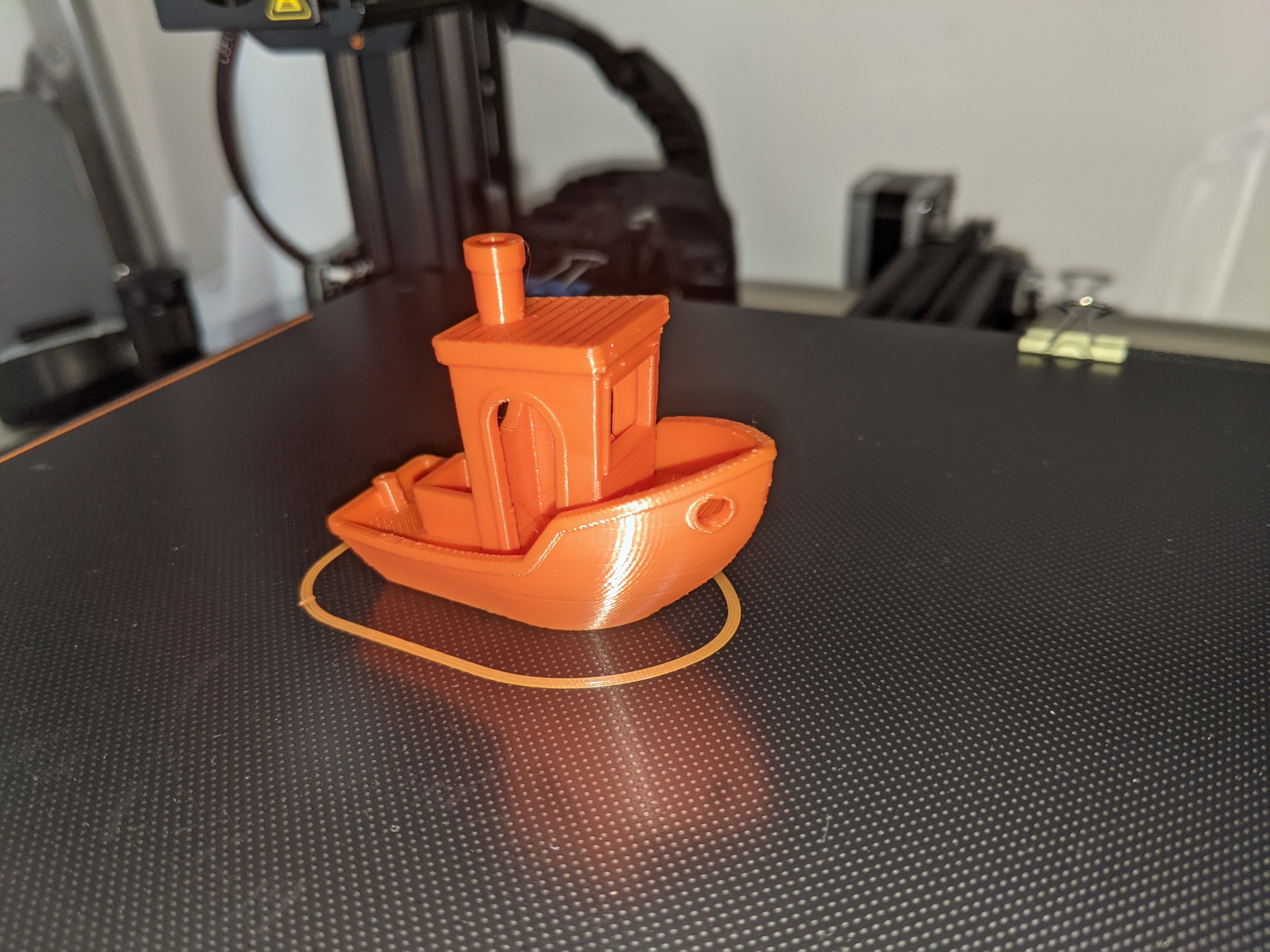
    Guess who's back back again danix's back tell your friends — semicit. Eminem So, I’m back at writing on this blog, it’s been a long time, I’ve been through quite some shitty times and a lot happened on a personal level that kept my attention away from blogging. One of the things that I’ve introduced in my life is a 3D printer, I’m the proud owner of an Ender3 Pro by creality. I’ve had it for a few months now and I’m pretty happy I purchased it, as it’s been a very helpful hobby, and even though I started this hobby using tools available for windows, I’m slowly moving back to GNU/Linux.

    Read more
  4. TECH

    new home server ideas

    I’m thinking about building a new home server, so I picked some parts I think might work well for what I need to do. Here’s the list for future reference: PCPartPicker Part List: part list on PCPartPicker CPU: AMD Ryzen 3 3200G 3.6 GHz Quad-Core Processor CPU Cooler: Cooler Master MasterLiquid ML240L RGB 66.7 CFM Liquid CPU Cooler Thermal Compound: Thermal Grizzly Kryonaut 1g 1 g Thermal Paste Motherboard: Gigabyte B450 AORUS M Micro ATX AM4 Motherboard Memory: Corsair Vengeance LPX 16 GB (2 x 8 GB) DDR4-3200 Memory Case: Antec VSK10 MicroATX Mid Tower Case Power Supply: EVGA BT 450 W 80+ Bronze Certified ATX Power Supply Case Fan: 2x be quiet! Pure Wings 2 140 PWM 61.2 CFM 140 mm Fan Total around €445.00 on amazon as suggested by PCPartPicker.

    Read more
  5. LIFE

    baking programs

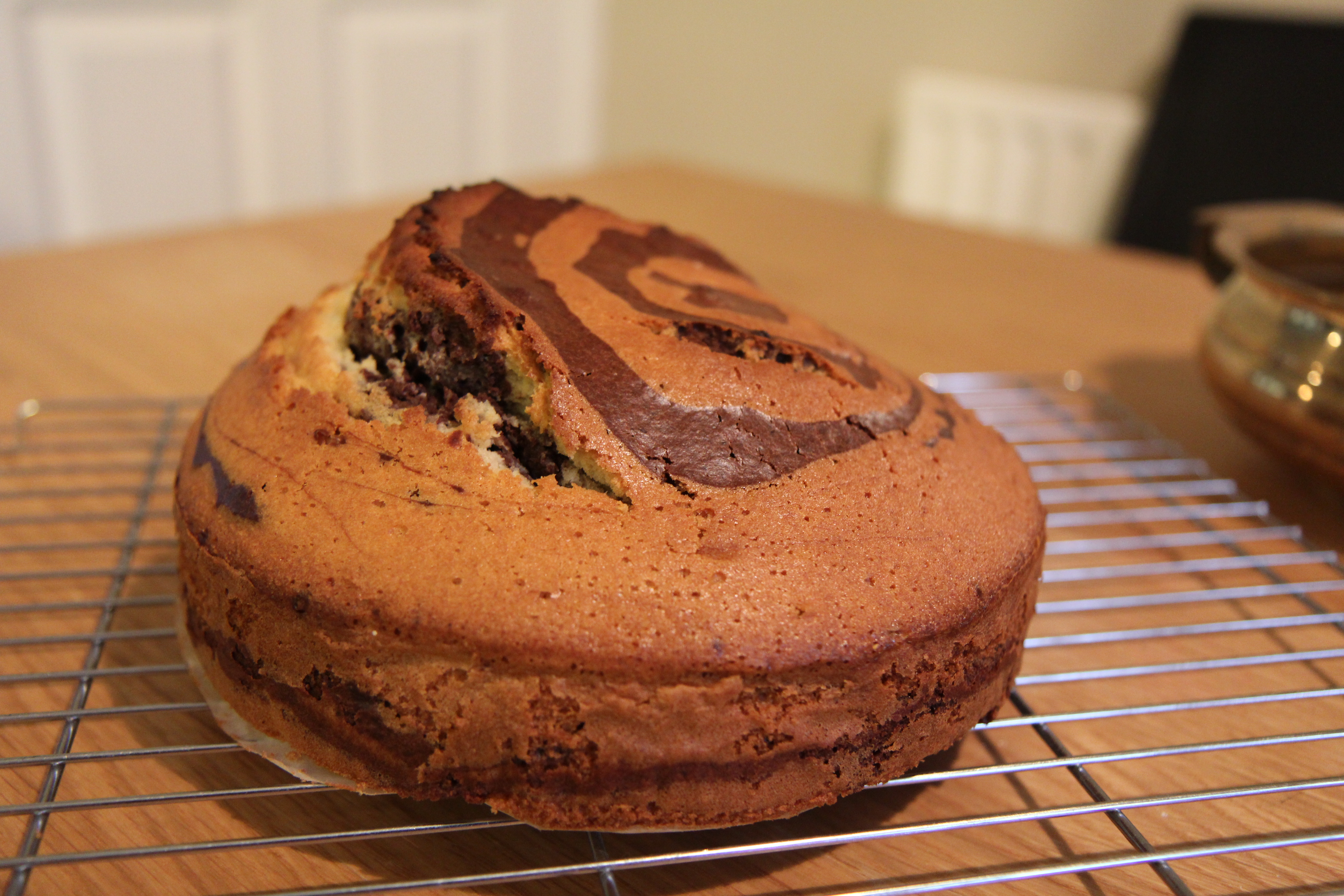
    Compiling programs always feels like you’re baking a cake, you look for it, check the dependancies and then run the slackbuild, leave your computer to go grab a drink and when you come back you see an error, checking for it you notice you’ve forgotten a dependency, it’s like you put your cake in the oven, starts cooking and after a while you go “oh shit, I forgot to add sugar to the dough“.

    Read more
  6. TECH

    Vulnerabilities for PGP and emails

    following a series of tweets from the Electronic Frontier Foundation, I’m reblogging their article to give it even more visibility on a topic that many don’t seem to know, which is email encryption. A group of researchers has found out and published a series of vulnerabilities affecting the use of PGP for email encryption (you can read more in depth coverage on this topic on the EFF website) From what I understand the problem is related to those plugins that rely on PGP or GnuPG to automatically decrypt emails. This vulnerability could allow an attacker to read not only an encrypted message but even older messages encrypted with the same key.

    Read more
  7. LIFE

    playing with colors

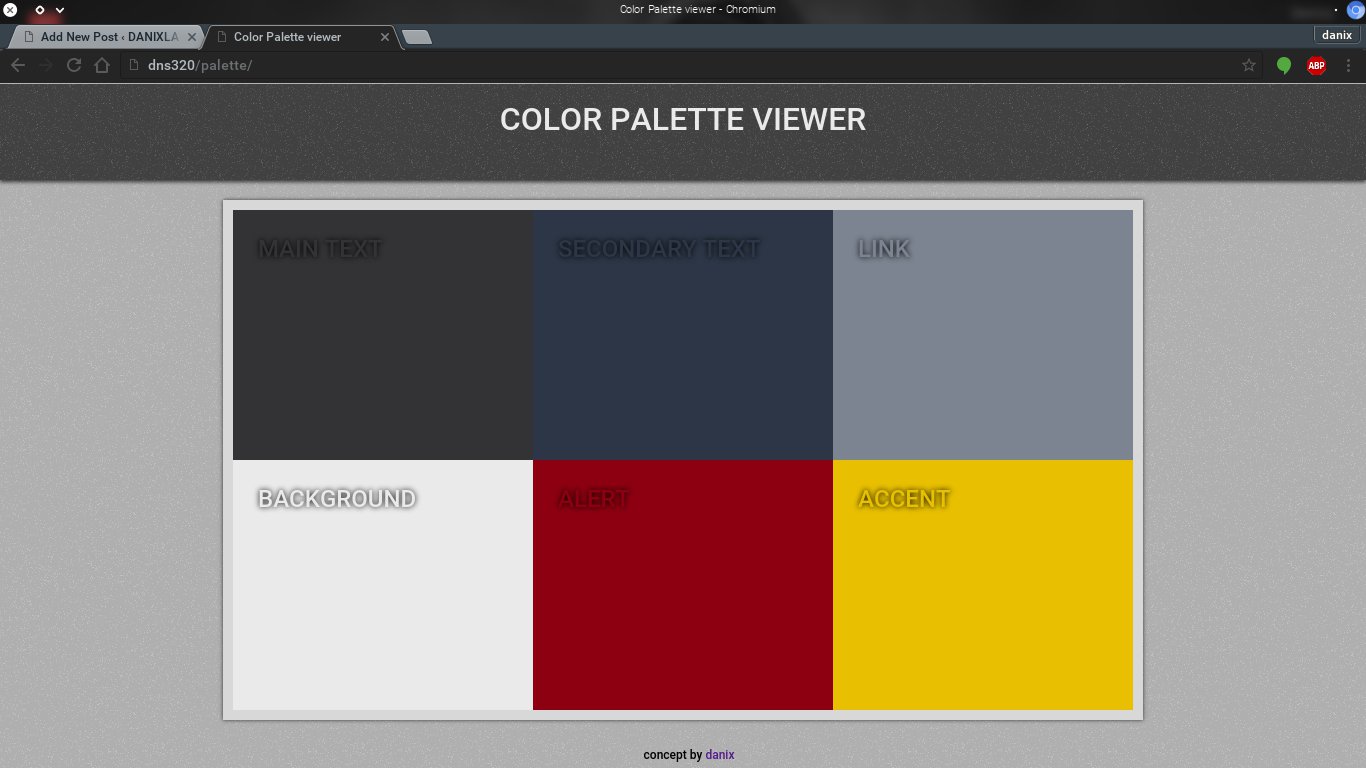
    palette-viewer on github Today I decided I wanted to have a little "old school" fun, so instead of working on some WordPress theme/plugin, I went for the "lemme write some php from scratch" approach. I was having a look at some color palettes for I’m not gonna tell ya, and it was quite hard for me to mix them together in my mind and decide which color goes where and how to use it, so after thinking about it for a while, I decided I’d narrow my options to 6 colors per palette, and in order to better visualize them, I wrote a small php page to help me.

    Read more
  8. TECH

    gify.sh – back to bash scripting

    gif image created using gify.sh Today I’ll present you a useful script that will help you create amazing gifs from your still photos using a couple tools from the IMAGEMAGIK suite, so without further ado, here it is, straight from github’s gists. Download as ZIP archive what the code does is quite simple, it takes a few arguments and helps you resize your images while keeping the original proportions. Put the code in your path and let’s put it to work.

    Read more
  9. QUOTE

    Walt quote

    all our dreams can come true if we have the courage to pursue them — Walt Disney

    Read more
  10. PHOTO

    Imagine.

    via http://www.filmsforaction.org/articles/john-lennons-imagine-made-into-a-comic-strip/

    Read more
  11. TECH

    Convert Video Files to MP3

    A quick word on how to convert a video to MP3. Here’s how I did it. bash 1 ffmpeg -i file_to_convert.flv -f mp3 -ab 192000 -vn new_file.mp3 Obviously, you need to have ffmpeg installed on your system. The options I passed on that line are: -i: input file -f: output format -ab: MP3 bitrate (192 kbps in this case) -vn: do not capture video Simple and fast. Try it out and see for yourself ;) And naturally, if you use this command or manage to improve it somehow, let me know.

    Read more
  12. LIFE

    outside of the box

    It isn’t enough to think outside the box. Thinking is passive. Get used to acting outside the box. — Tim Ferriss

    Read more
  13. QUOTE

    Ceasar quote

    What we wish, we readily believe, and what we ourselves think, we imagine others think also. — Julius Caesar

    Read more
  14. PHOTO

    Katsushika Hokusai

    I just wanted to share a few images by one of my favourite artists with you. **Katsushika Hokusai** (葛飾北斎, Katsushika Hokusai 1760–May 10, 1849) was a Japanese artist, ukiyo-e painter and printmaker of the Edo period. In his time he was Japan&'s leading expert on Chinese painting. Born in Edo (now Tokyo), Hokusai is best-known as author of the woodblock print series Thirty-six Views of Mount Fuji (c. 1831) which includes the iconic and internationally recognized print, The Great Wave off Kanagawa, created during the 1820s. Hokusai created the "Thirty-Six Views" both as a response to a domestic travel boom and as part of a personal obsession with Mount Fuji. It was this series, specifically The Great Wave print and Fuji in Clear Weather, that secured Hokusai’s fame both within Japan and overseas. As historian Richard Lane concludes, “Indeed, if there is one work that made Hokusai&'s name, both in Japan and abroad, it must be this monumental print-series...” While Hokusai&'s work prior to this series is certainly important, it was not until this series that he gained broad recognition and left a lasting impact on the art world. It was The Great Wave print that initially received, and continues to receive, acclaim and popularity in the Western world.

    Read more
  15. LIFE

    haiku

    il suo profumo. il piacere dei sensi. fine di un sogno. — yours truly

    Read more
  16. QUOTE

    haiku

    Gli uccelli cantano nel buio. Alba piovosa. — Jack Kerouac

    Read more