
Menu
No articles found matching your search.
Language

Tag

Linux

Git Setup Your Own Server
Tech

Git Setup Your Own Server

Hello everyone, I recently decided to move all my code under GIT, I’ve used it before and I’ve used also SVN, but I find GIT to be more straightforward in some aspects. In order to use git I needed a place online where to store my projects, and I thought that github could be a good place, but the fact that you have to pay to keep a project private just didn’t sound right in my opinion. Of course github is there to make money (specially now that M$ bought it), but I prefer to have a simpler setup and be able to do things my way as much as possible. So I started planning what I wanted my git server to have. Here’s a list: Security - I decided to make it work only under ssh, that way only someone who has the key can clone or access the repository. I also added an unprivileged git user that has only access to very few commands, so even if somebody manages to access through ssh he’ll find himrself with only very few options available. **Notifications** - my server already tells me a lot of what happens, so I wanted my git service to do the same. I implemented a mail service that notifies me every time a new repository is added or everytime there's a push to a repository. Automation - I wanted to have less steps possible between creation of the project and deployment to production. Now in two steps I can create a repository and clone it to my local computer, and when I’m done I just need to push my modifications and the code is deployed automatically . Visibility - I haven’t yet decided if I want my code to be visible, so I haven’t even started thinking about this possibility.

Read more
CAD designing in GNU/Linux
Tech

CAD designing in GNU/Linux

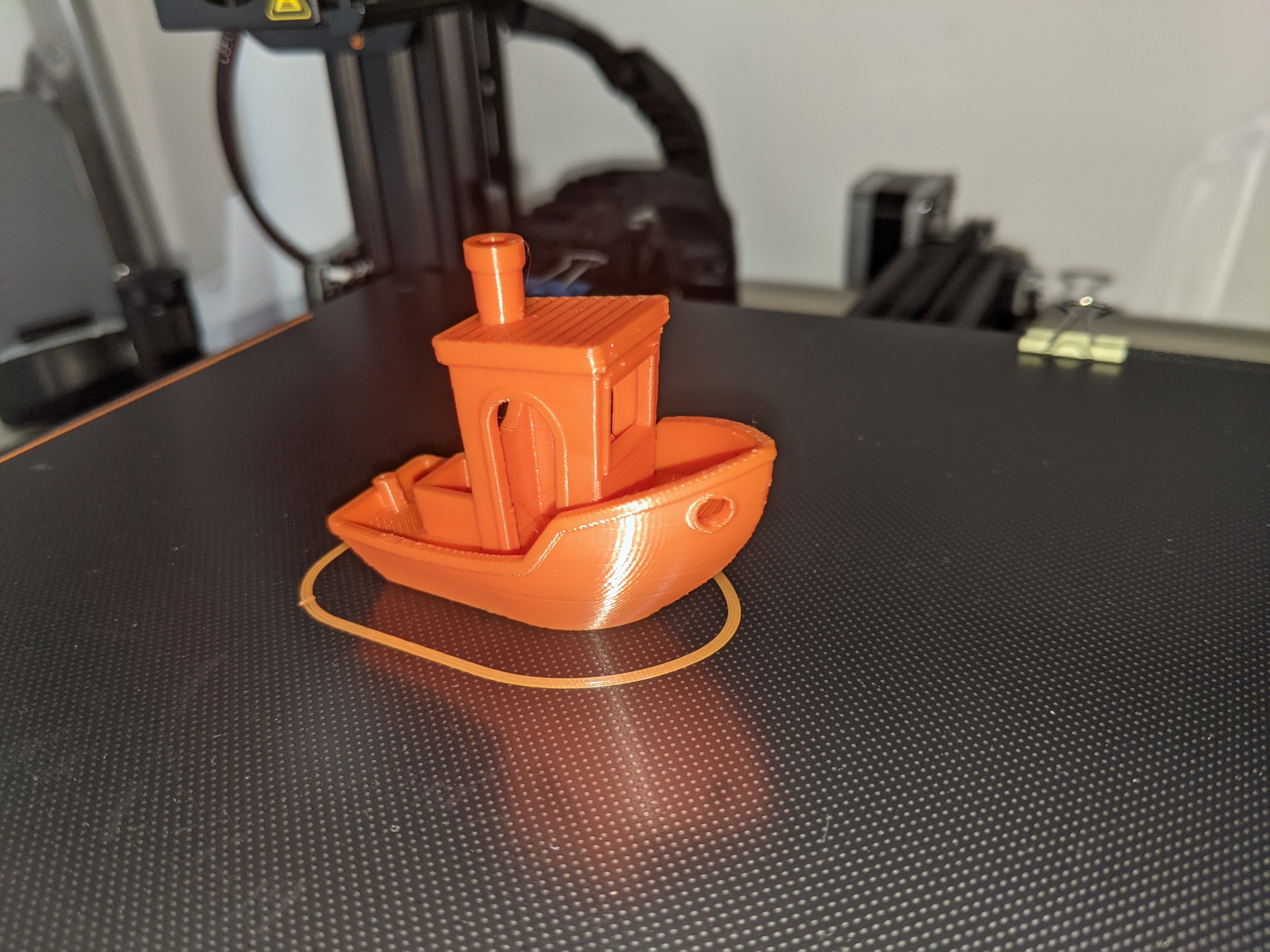
Guess who's back back again danix's back tell your friends — semicit. Eminem So, I’m back at writing on this blog, it’s been a long time, I’ve been through quite some shitty times and a lot happened on a personal level that kept my attention away from blogging. One of the things that I’ve introduced in my life is a 3D printer, I’m the proud owner of an Ender3 Pro by creality. I’ve had it for a few months now and I’m pretty happy I purchased it, as it’s been a very helpful hobby, and even though I started this hobby using tools available for windows, I’m slowly moving back to GNU/Linux.

Read more
new home server ideas
Tech

new home server ideas

I’m thinking about building a new home server, so I picked some parts I think might work well for what I need to do. Here’s the list for future reference: PCPartPicker Part List: part list on PCPartPicker CPU: AMD Ryzen 3 3200G 3.6 GHz Quad-Core Processor CPU Cooler: Cooler Master MasterLiquid ML240L RGB 66.7 CFM Liquid CPU Cooler Thermal Compound: Thermal Grizzly Kryonaut 1g 1 g Thermal Paste Motherboard: Gigabyte B450 AORUS M Micro ATX AM4 Motherboard Memory: Corsair Vengeance LPX 16 GB (2 x 8 GB) DDR4-3200 Memory Case: Antec VSK10 MicroATX Mid Tower Case Power Supply: EVGA BT 450 W 80+ Bronze Certified ATX Power Supply Case Fan: 2x be quiet! Pure Wings 2 140 PWM 61.2 CFM 140 mm Fan Total around €445.00 on amazon as suggested by PCPartPicker.

Read more
baking programs
Life

baking programs

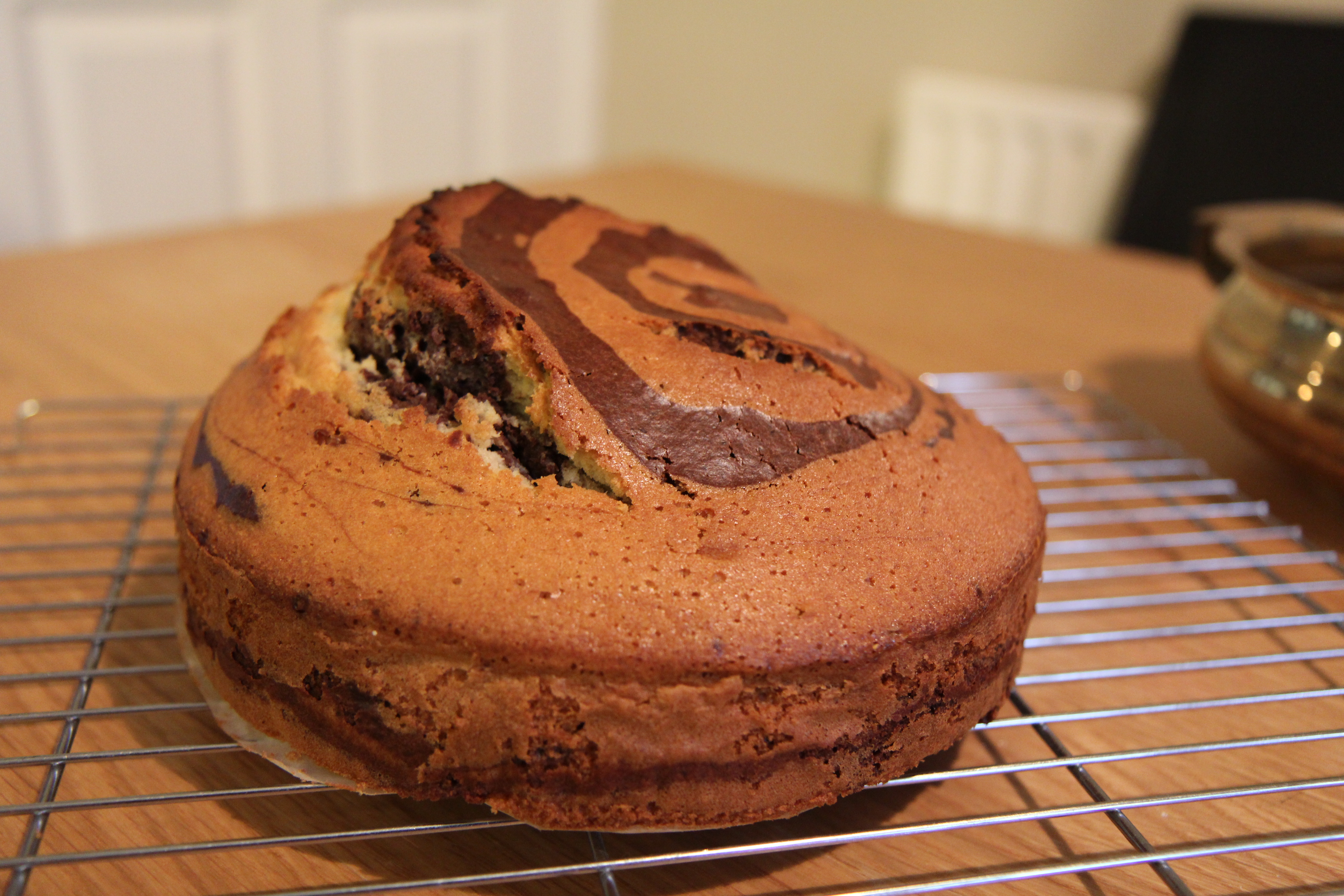
Compiling programs always feels like you’re baking a cake, you look for it, check the dependancies and then run the slackbuild, leave your computer to go grab a drink and when you come back you see an error, checking for it you notice you’ve forgotten a dependency, it’s like you put your cake in the oven, starts cooking and after a while you go “oh shit, I forgot to add sugar to the dough“.

Read more
Convert Video Files to MP3
Tech

Convert Video Files to MP3

A quick word on how to convert a video to MP3. Here’s how I did it. bash 1 ffmpeg -i file_to_convert.flv -f mp3 -ab 192000 -vn new_file.mp3 Obviously, you need to have ffmpeg installed on your system. The options I passed on that line are: -i: input file -f: output format -ab: MP3 bitrate (192 kbps in this case) -vn: do not capture video Simple and fast. Try it out and see for yourself ;) And naturally, if you use this command or manage to improve it somehow, let me know.

Read more