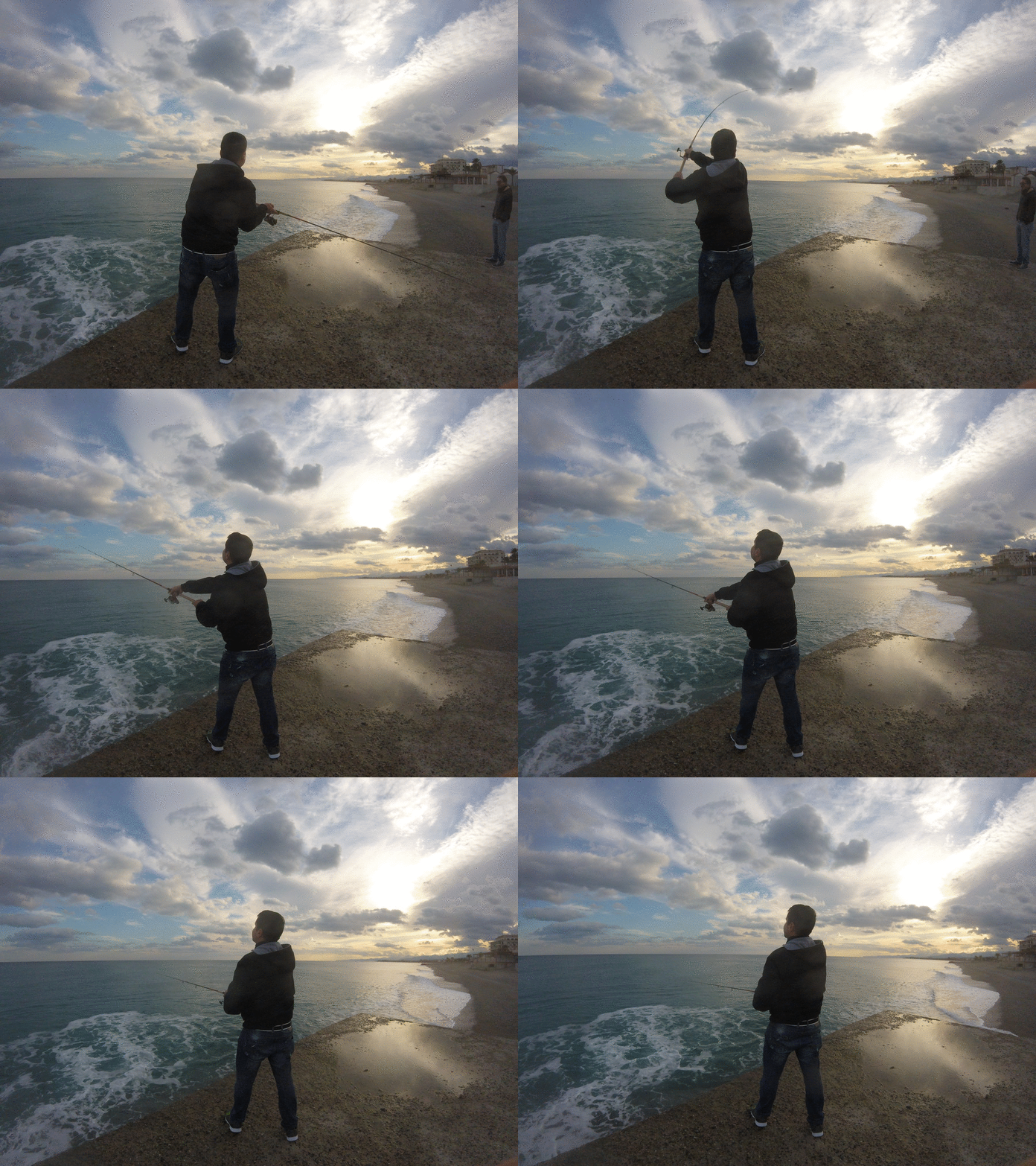
Oggi vi presenterò uno script utile che vi aiuterà a creare fantastiche GIF a partire dalle vostre foto, utilizzando alcuni strumenti della suite IMAGEMAGIK. Quindi, senza ulteriori indugi, ecco lo script, preso direttamente dai repository di GitHub.
Scarica lo script gify.sh come archivio ZIP da GitHub Gist.
Il codice è piuttosto semplice: accetta alcuni argomenti e vi aiuta a ridimensionare le immagini mantenendo le proporzioni originali. Inserite il codice nella cartella desiderata e mettetelo subito in funzione.
Per questo esempio, immaginiamo di avere una serie di foto in formato JPG, magari scattate durante un viaggio in Francia. Mettetele in una cartella ed eseguite lo script come segue:
bash
1
gify.sh --resize 900 jpg
A seconda del numero di immagini, l’operazione potrebbe richiedere un po’ di tempo. Al termine, tutte le vostre immagini JPG saranno ridimensionate a una larghezza di 900 pixel e con un’altezza proporzionale.
Ora è il momento di convertire tutte le vostre immagini JPG in un’unica GIF animata. Quindi, rimanendo nella stessa cartella, eseguite lo script come segue:
bash
1
gify.sh --gif 10 jpg paris
I parametri ora sono leggermente diversi. Innanzitutto, indichiamo allo script che vogliamo creare una GIF con l’opzione --gif. Quindi, indichiamo l’intervallo tra ogni fotogramma, espresso in centesimi di secondo. In questo caso, stiamo dicendo alla GIF di cambiare fotogramma ogni 10/100 di secondo. Il parametro successivo è l’estensione delle immagini che utilizzeremo. Nel nostro esempio, è JPG (la distinzione tra maiuscole e minuscole è importante, quindi assicuratevi che tutte le immagini che volete utilizzare abbiano la stessa estensione). Infine, impostiamo il nome della GIF, senza l’estensione; lo script la aggiungerà automaticamente.
La GIF che vedete all’inizio dell’articolo è stata creata con questo script.
Ho creato questo script principalmente per divertimento e per uso personale, quindi non è assolutamente perfetto. Può essere migliorato, ma per me funziona benissimo. Se volete modificarlo, sentitevi liberi di copiarlo da GitHub o semplicemente di scaricarlo e fare ciò che desiderate. E se volete condividerlo con me, utilizzate il modulo di commento qui sotto.
Vi lascio una copia dello script qui sotto, nel caso in cui vogliate dare un’occhiata prima di scaricarlo.
Buon divertimento!
#! /bin/bash
# Author: Danilo 'danix' Macri# Author URI: https://danix.xyz# Script URI: https://danix.xyz/?p=3545# License: GPL2# License URI: https://www.gnu.org/licenses/gpl-2.0.html#--------------------------------------------------------------------------------## ## GIFY.SH - CREATE ANIMATED GIFS OUT OF A BUNCH OF IMAGES ## ## Use this script to create animated looping gifs from a bunch of images. You ## just need to arrange all the images you want to use inside a folder and then ## launch this script with a few options and you'll have your gif within seconds. ## ## This script uses mogrify and convert from the IMAGEMAGIK suite to deliver the ## gifs. This script can proportionally resize your images to help you create a ## lighter file. ## ##--------------------------------------------------------------------------------## ERROR & EXIT STATUSES #SHOWHELP=61USERABORTED=62E_INTERROR=71E_NOOPTS=72E_NOARGS=73E_FILEXISTS=74E_NOIMAGES=75E_UNKNOWNOPT=76# TOOLS #PWD=$(pwd)MOGRIFY=$(which mogrify)CONVERT=$(which convert)# we need mogrify and convert from the imagemagik toolset for this script to work #if[[ ! -x $MOGRIFY|| ! -x $CONVERT]];then showerror missingdeps
exit$E_MISSINGDEPSfi# showhelp #showhelp (){case$1 in
resize )echo"USAGE: $(basename $0) -r | --resize [width] [extension]";; gif )echo"USAGE: $(basename $0) -g | --gif [delay] [extension] [output file name]";; * )#|----------------------- TEXT MAX WIDTH - 80 CHARS ----------------------------|echo -e "$(basename $0) - create animated gifs from images inside current directory"echo -e "USAGE: $(basename $0) <option> [arguments]"echo -e "\twhere <option> is one between:";echoecho -e "\t-r | --resize [width] [extension]"echo -e "\t\tresizes all the images matching the extension in the current folder to"echo -e "\t\tthe width specified as argument.";echoecho -e "\tg | --gif [delay] [extension] [output file name]"echo -e "\t\tcreates the gif file using all the images in the current folder."echoecho -e "EXAMPLES:"echo -e "$(basename $0) --resize 900 jpg"echo -e "\twill resize all jpg images in the folder to 900px wide and mantain the"echo -e "\taspect ratio of the original images"echoecho -e "$(basename $0) --gif 8 jpg france"echo -e "\twill create a looping gif named france.gif using all the jpg files found"echo -e "\tin the current folder and passing a tick delay of 8 between frames".
echo;;esac}# showerror #showerror (){if[ -z $1];thenecho"INTERNAL ERROR - ABORTING";echoexit$E_INTERRORficase$1 in
unknownopt)echo"unknown option. Exiting.";echo;; noopts)echo"you didn't specify any options for the script to run. Exiting.";echo;; noargs)echo"you didn't specify any arguments for this option. Exiting.";echo;; filexists)echo"the file you want to write already exists. Exiting.";echo;; noimages)echo"at least two files must exist within $PWD with the"echo"specified extension. Exiting";echo;; missingdeps)echo"$(basename $0) requires both mogrify and convert from"echo"the imagemagik tool suite. Install imagemagik using your"echo"favourite package manager and then run this script again. Exiting.";echoesac}##### MAIN #####if[$# -eq 0];then showerror noopts
showhelp
exit$E_NOOPTSelsewhile[$# -gt 0];docase$1 in
-h|--help) showhelp
exit$SHOWHELP;; -r|--resize)WIDTH=$2EXT=$3shiftif[[ -z $WIDTH|| -z $EXT]];then showhelp resize
showerror noargs
exit$E_NOARGSfiIMAGES="$(ls -1 *.$EXT 2>/dev/null | wc -l)"if[[$IMAGES==0]];then showerror noimages
exit$E_NOIMAGESfi clear
COUNT="$(ls -1 *.$EXT 2>/dev/null | wc -l)"echo"you're going to resize all $COUNT .$EXT images inside $PWD at a fixed width of ${WIDTH}px"read -p "do you wish to continue? [y/n] " -n 1 -r;echoif[[ ! $REPLY=~ ^[Yy]$ ]]thenexit$USERABORTEDelse$MOGRIFY -resize $WIDTH *.$EXTexit0fi;; -g|--gif)DELAY=$2EXT=$3OUTPUT=$4shiftif[[ -z $DELAY|| -z $EXT|| -z $OUTPUT]];then showhelp gif
showerror noargs
exit$E_NOARGSelif[[ -f ${OUTPUT}.gif ]];then showerror filexists
exit$E_FILEXISTSfiIMAGES="$(ls -1 *.$EXT 2>/dev/null | wc -l)"if[[$IMAGES==0]];then showerror noimages
exit$E_NOIMAGESfi clear
COUNT="$(ls -1 *.$EXT 2>/dev/null | wc -l)"echo"you're going to create a looping gif named ${OUTPUT}.gif"echo"out of all the $COUNT$EXT files inside $PWD with a tick"echo"delay of $DELAY/100 of a second";echoread -p "do you wish to continue? [y/n] " -n 1 -r;echoif[[ ! $REPLY=~ ^[Yy]$ ]]thenexit$USERABORTEDelse$CONVERT -delay $DELAY *.$EXT -loop 0${OUTPUT}.gif
exit0fi;; *) showerror unknownopt
showhelp
exit$E_UNKNOWNOPTesacshiftdonefi